The Advally XenForo 2 plugin connects your XenForo forum directly to the Adligature ad management platform. Once installed, Advally handles ad placement, frequency capping, user experience levels, and ads.txt — with no manual ad tag management required.
Requirements
- XenForo 2.3 or later
- PHP 8.0 or later
- An active Advally publisher account (advally.com)
Installation
- Download the latest plugin ZIP from your Advally plugin release page.
- In your XenForo Admin Control Panel, navigate to Add-ons → Install/Upgrade from Upload.
- Select the downloaded ZIP file and click Upload.
- Follow the on-screen prompts to complete installation.
- Once installed, navigate to Options → Advally Advertising to configure the plugin.
Configuration
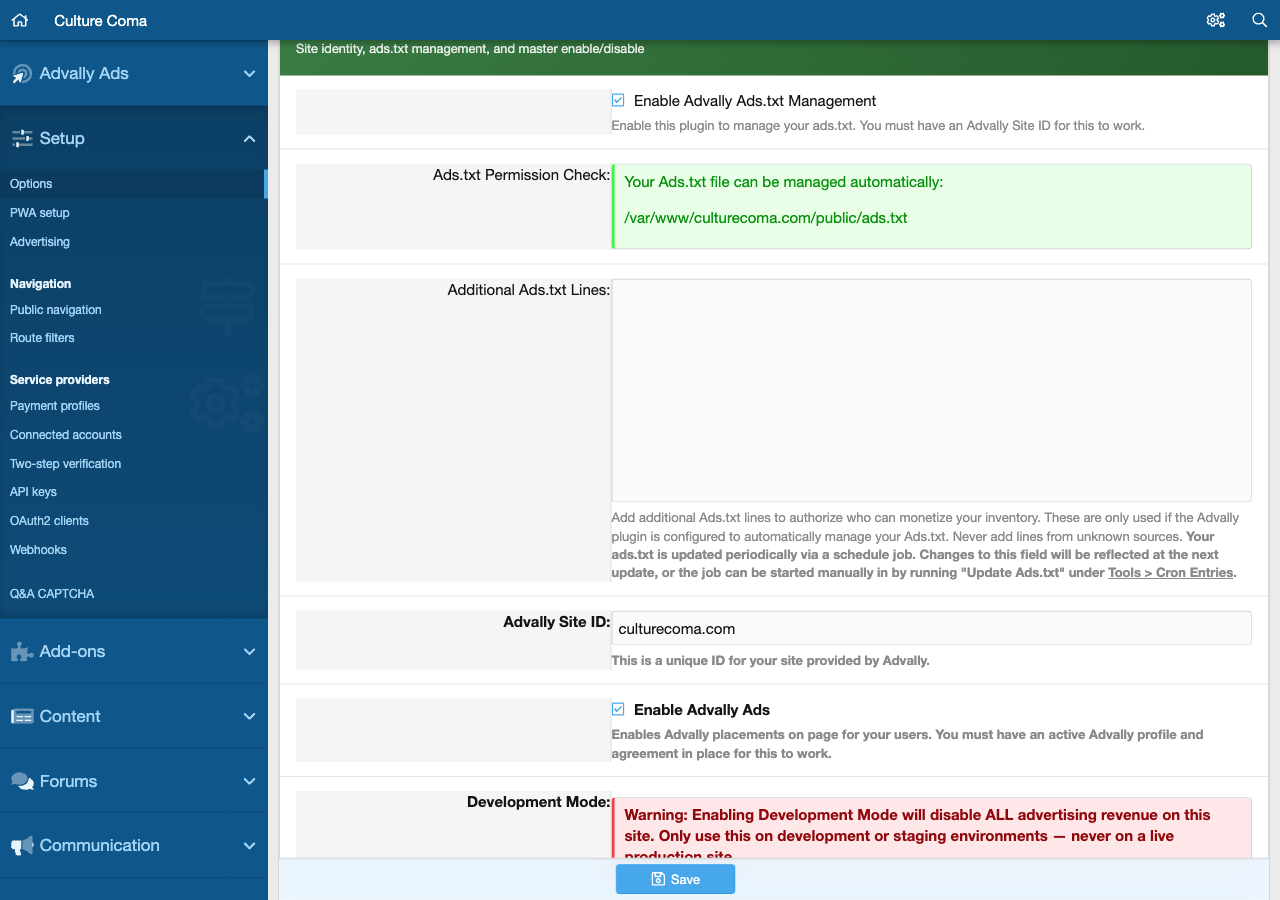
All plugin settings live under Admin → Options → Advally Advertising. The quickest way to configure the plugin is the one-click OAuth2 connection — it automatically sets your Site Alias and Site ID.
Connect to Advally (Recommended)
In the Plugin Configuration card at the bottom of the page, click the Connect to Advally button. You will be redirected to advally.com to authorize the connection. After approving, you are returned to the plugin page with your Site Alias and Site ID automatically populated and a green CONNECTED TO ADVALLY banner confirmed at the top.

The banner shows your site name and ID (e.g., Site: culturecoma.com · ID 977). The Reconnect button lets you re-authorize if your token expires; Disconnect removes the OAuth link without disrupting ad serving.
Enable Advally Ads
The master on/off toggle. When disabled, no Advally scripts or ad units load on any page. Enable this after confirming the connected banner is green.
Site Alias
Your unique Advally site identifier (e.g., myforumname.com). This is automatically populated when you use the Connect button. If you need to set it manually, your alias is the subdirectory slug used by the Adligature CDN — contact Advally if you are unsure of the value.
Site ID
Your numeric Advally Site ID, used for revenue reporting links within the admin panel. This is automatically populated when you use the Connect button. If left blank, the “View reports” link will display a reminder to set this value.
Plugin Configuration Settings
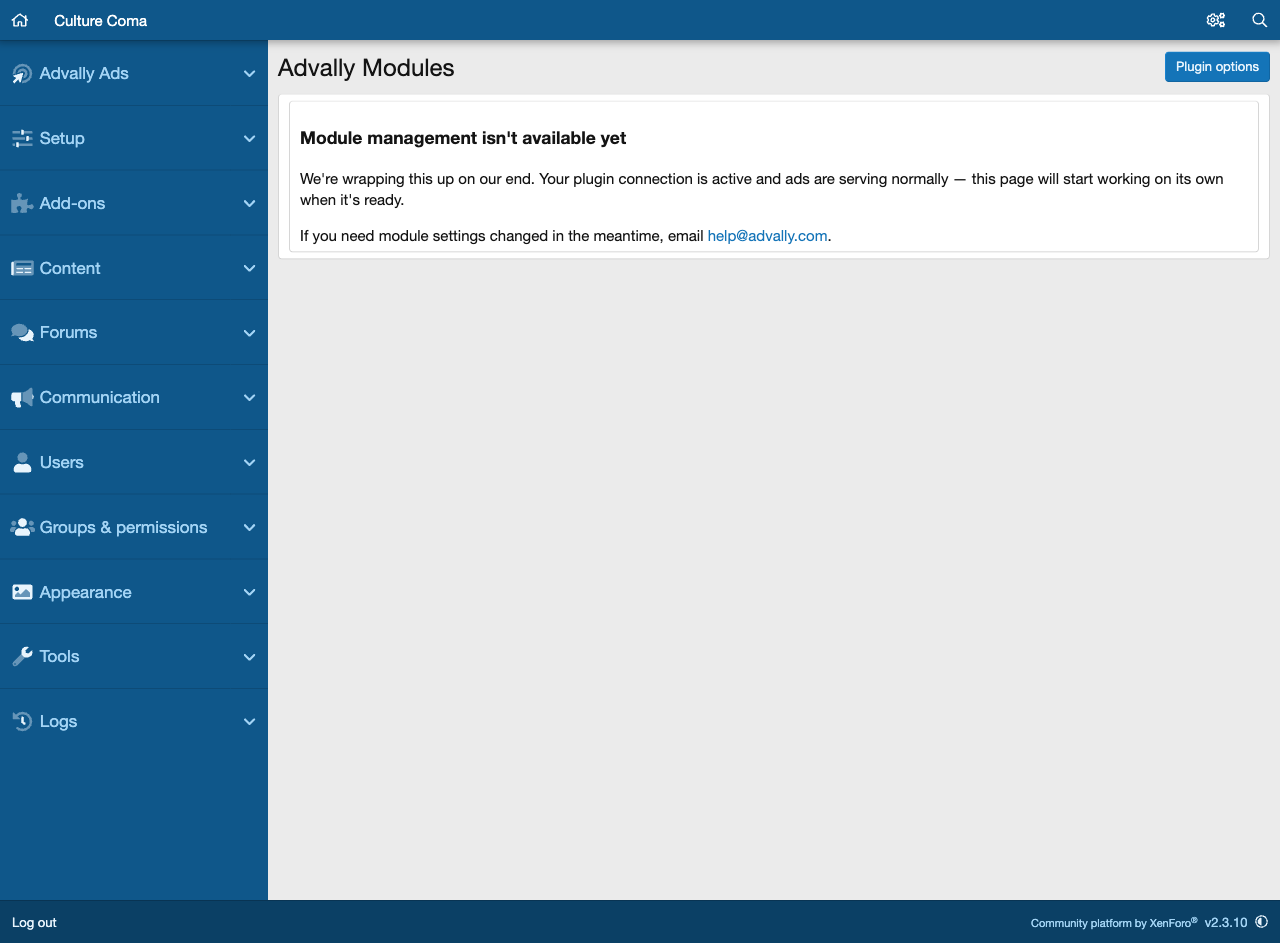
Modules Page
The Advally Modules page in your XenForo admin panel provides a direct link to your Adligature dashboard where you can manage ad modules, bidder configurations, and revenue settings for your site.