
The fastest way to get help with a misbehaving Ad.
Advally has a feature where website users can report problematic ads directly to Advally. Their report contains details on which ads were displayed in the specific user session, which will help us track down problems fast.
In order to have the tool ready to use, you need to create a bookmark for the Advally Ad Reporting Tool by dragging the following button to your bookmarks bar:
Here’s a video of adding the Bookmark properly on Desktop.
In order to launch the Tool, Click the Advally Report Ads bookmark button:
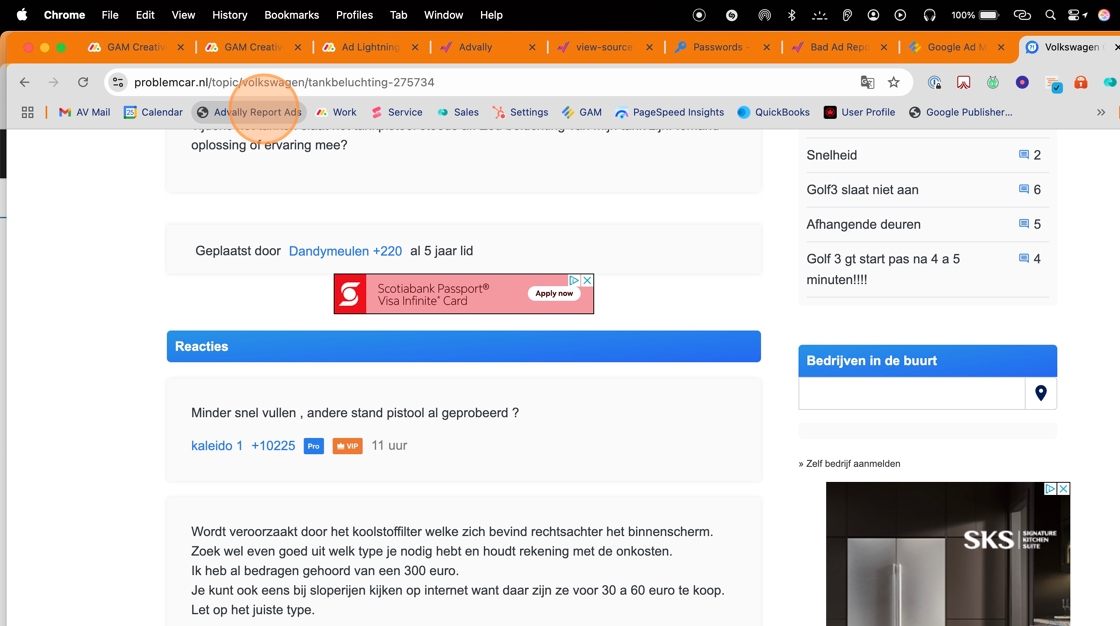
6. Click here to open up the Tool, and bring up the Send Report form.
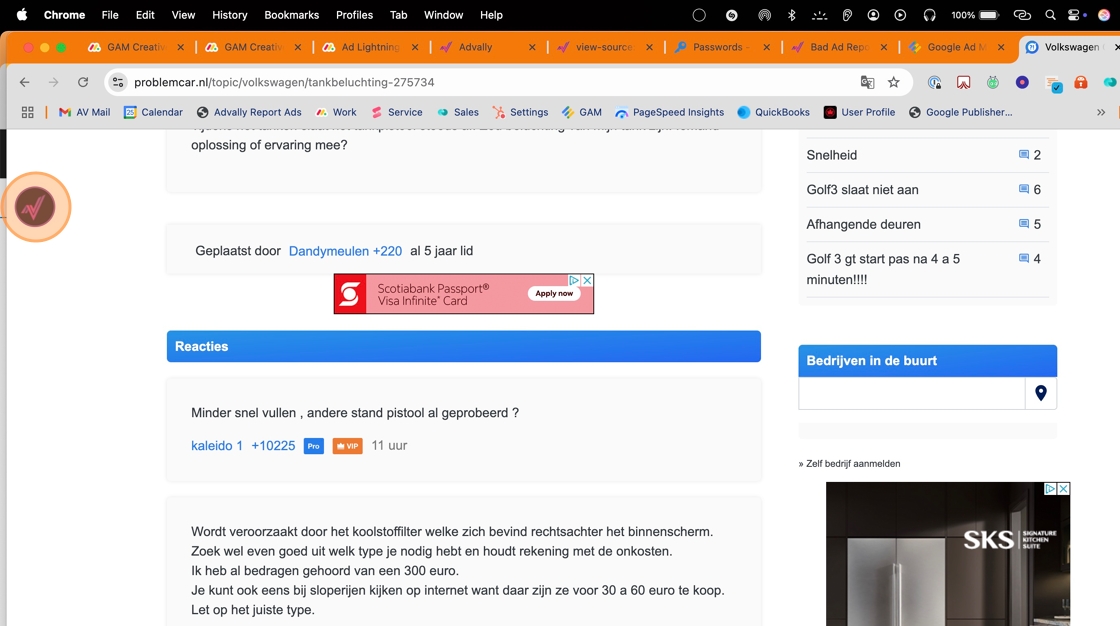
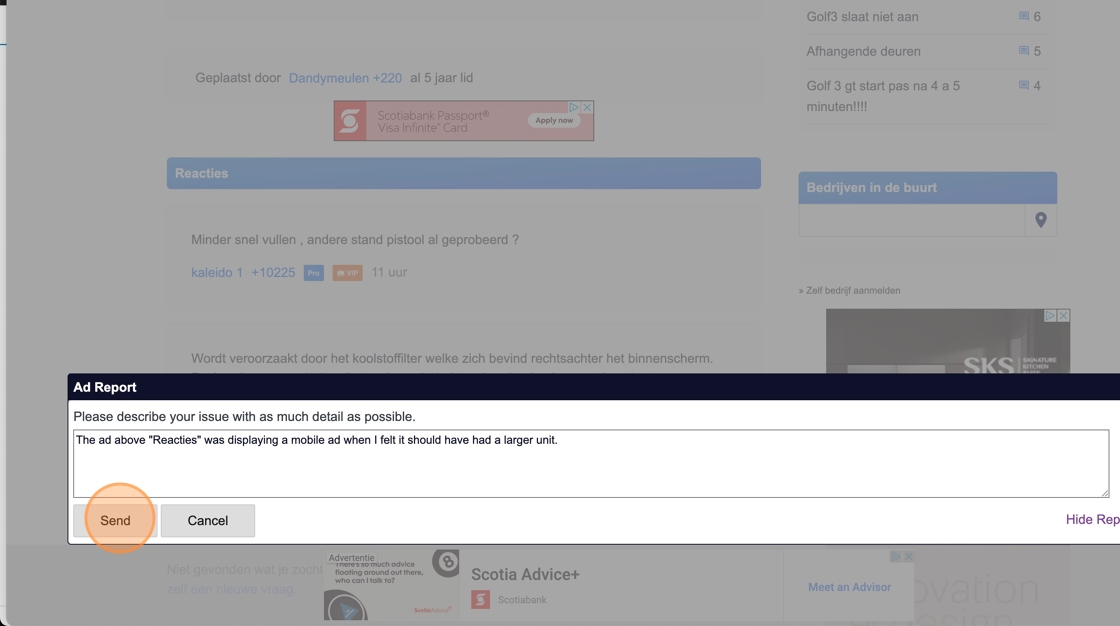
Clicking brings up this Dialogue box to make a report. Type in as much information identifying which ad on the page you are specifically reporting and click “Send”.
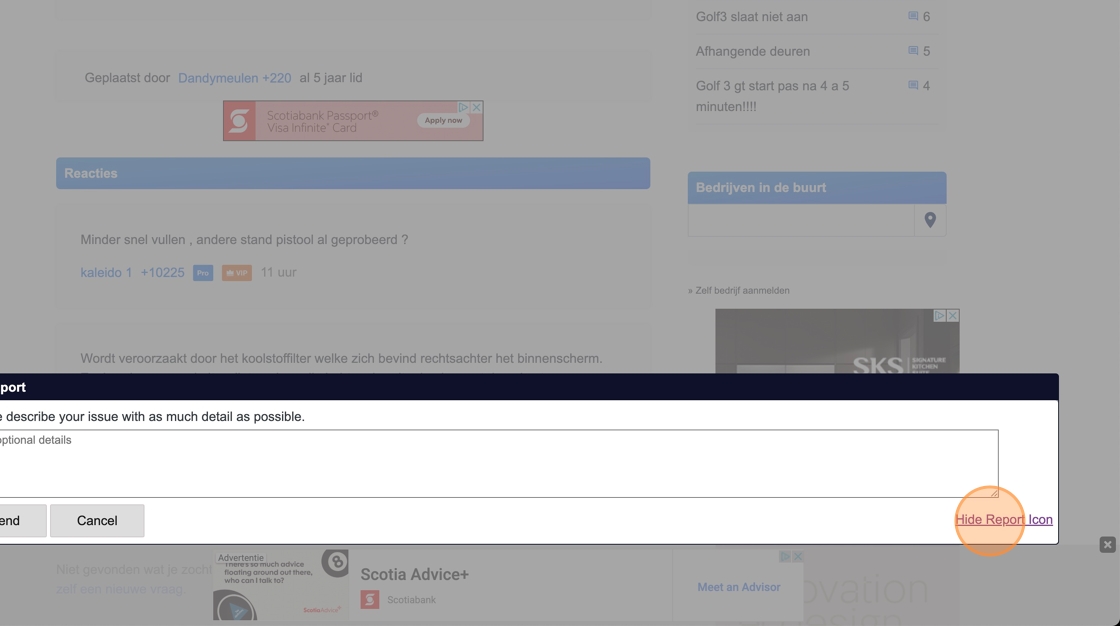
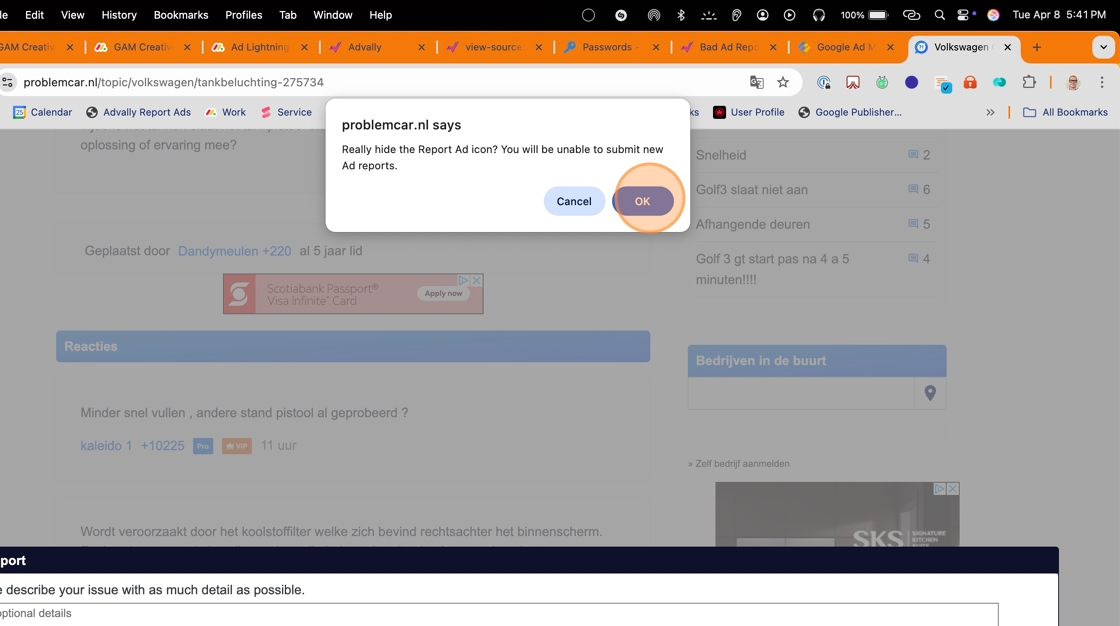
8. If you are done making reports, you can hide the icon by clicking “Hide Report Button”.
9. Click the OK button to dismiss the warning.
How to Use on Mobile
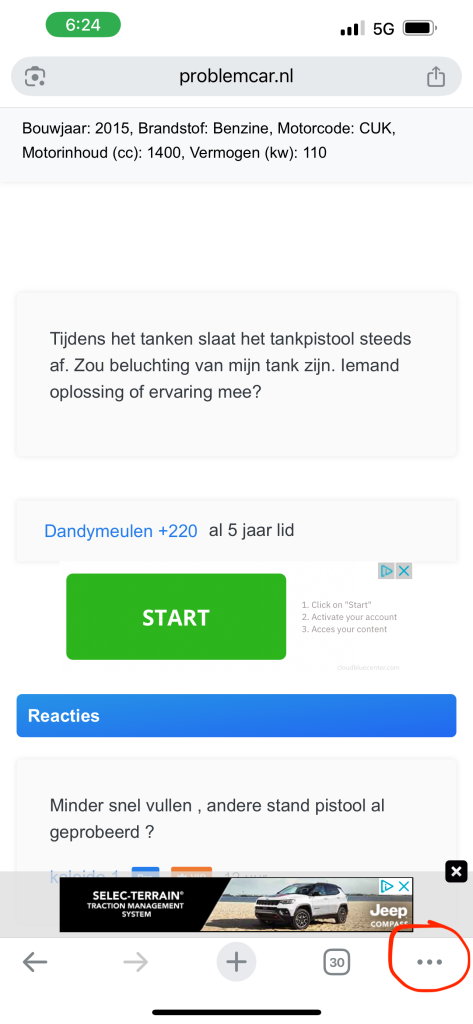
First off, hit the Three dots at the bottom right of the Chrome Browser:
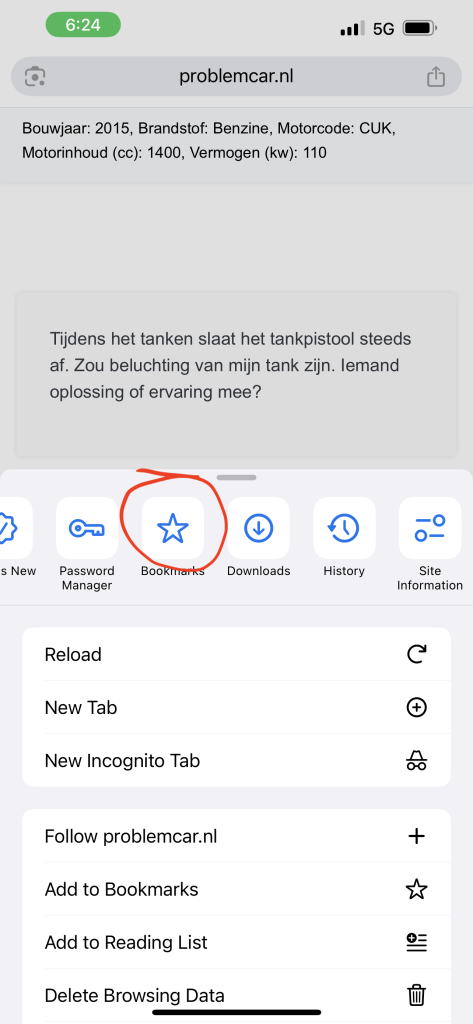
Then, Open up the Bookmarks Menu:
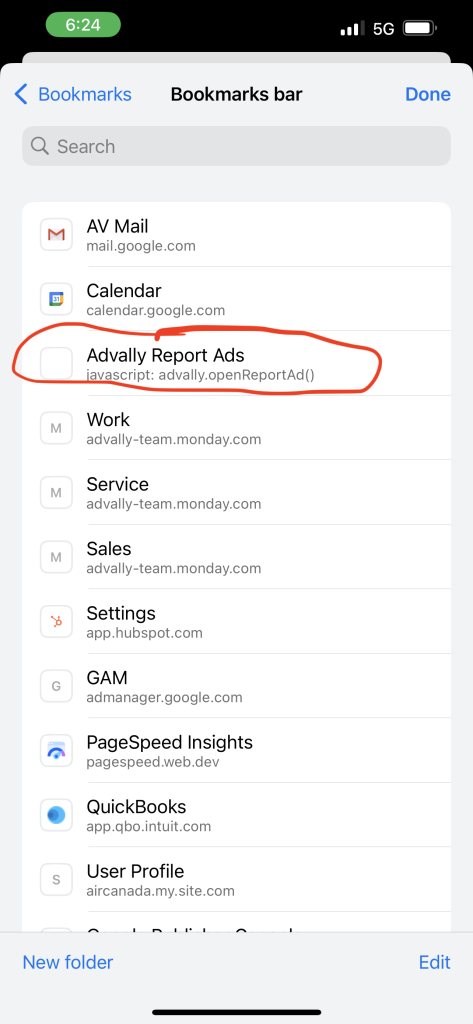
Select the Bookmark for the Advally Tool:
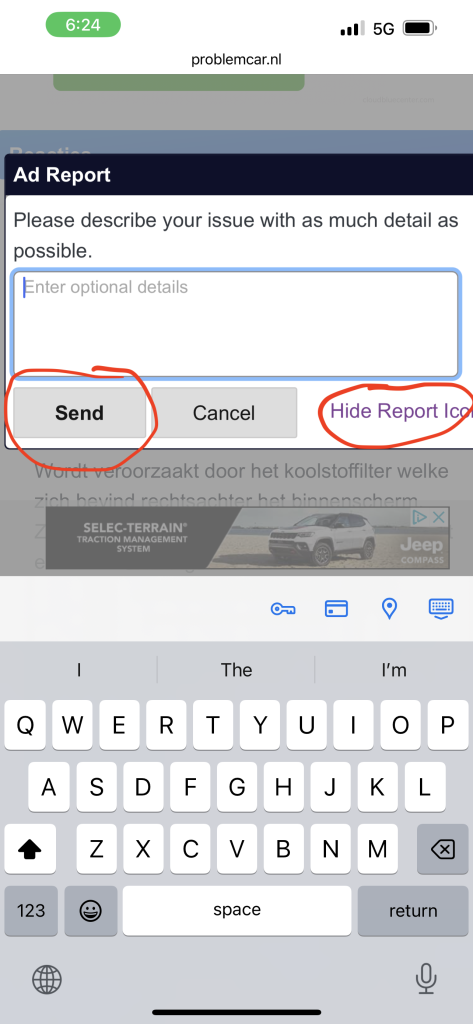
Finally type up your report and Submit, or if you’re done click to Hide the Icon:
Why use the Tool to report?
Reporting bad ads you see in this fashion helps us track down problems rapidly. Advertising markets are extremely complicated, and ads can come from a huge amount of sources. We have tools to find them the more traditional ways, but this method gets us straight to the issue. Ads are customized to every single user, which is why it is so important to get your specific page.
Who can I give this to?
If your staff, contributors or trusted users are seeing bad creatives we encourage you to send them a link to the Knowledge Base article and ask them to submit their own report. This also works on Mobile, but you will need to add the Bookmark on your Desktop machine synced to your mobile Chrome Profile.