If you want to have Demographic/Psychographic data about your users, you must opt-in for GA4.

Set Up Google Analytics Demographics Tracking

1. Navigate to analytics.google.com and get logged into your property.
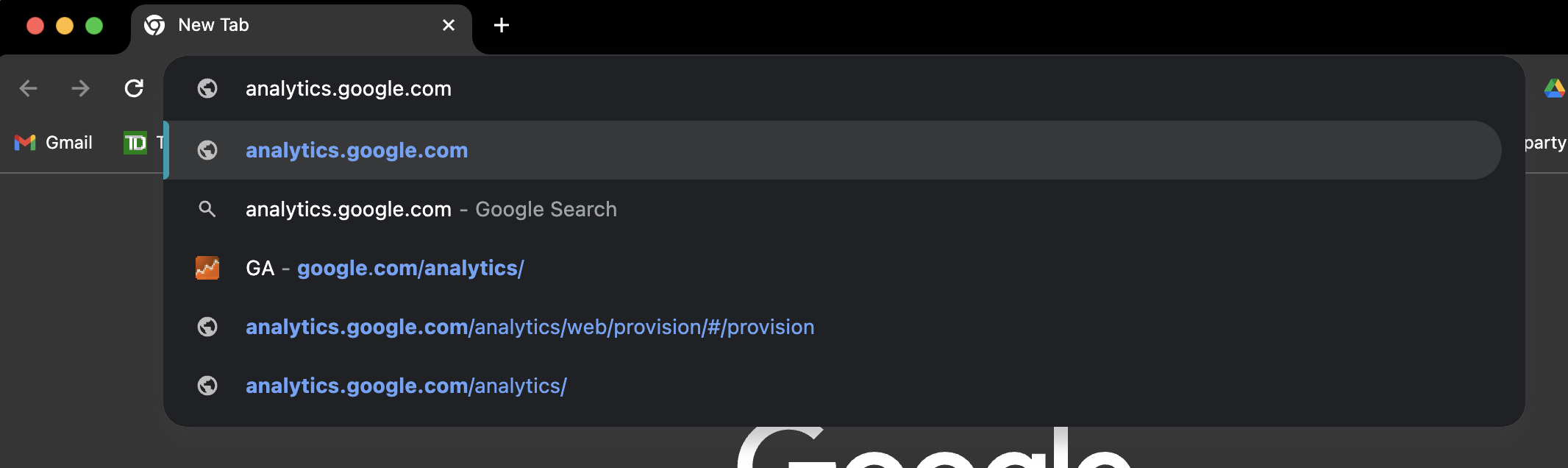
image png Feb 23 2024 04 44 24 0848 PM
image png Feb 23 2024 04 46 16 2281 PM

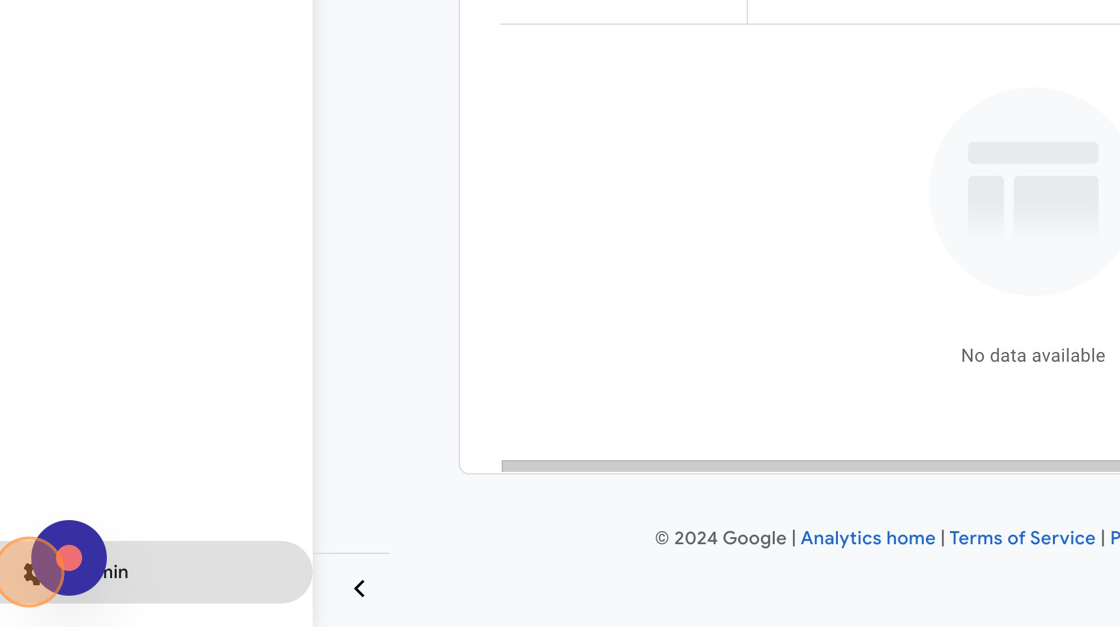
2. Once Logged in, Click “Admin”

ascreenshot

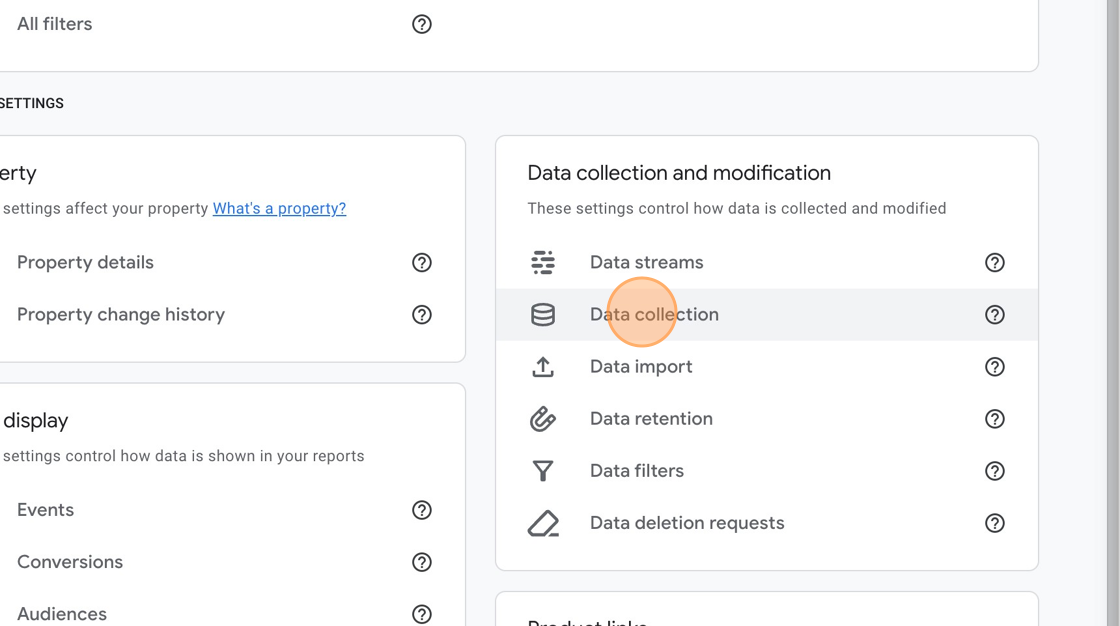
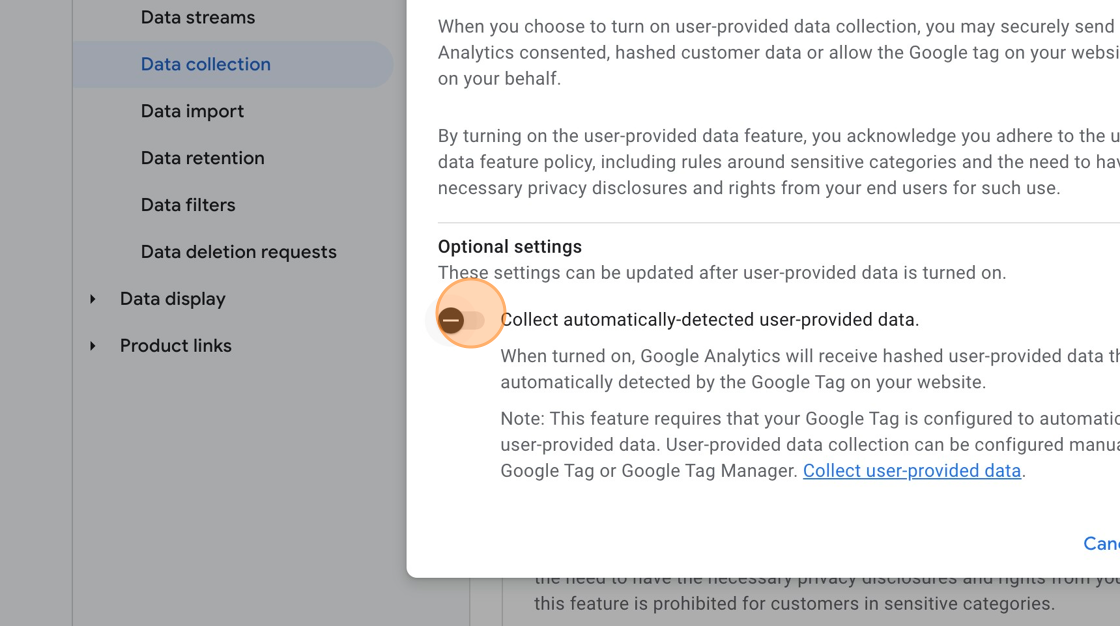
3. Click “Data Collection”

ascreenshot aa489834 1048 41bf ac2c bf6327df3e1b

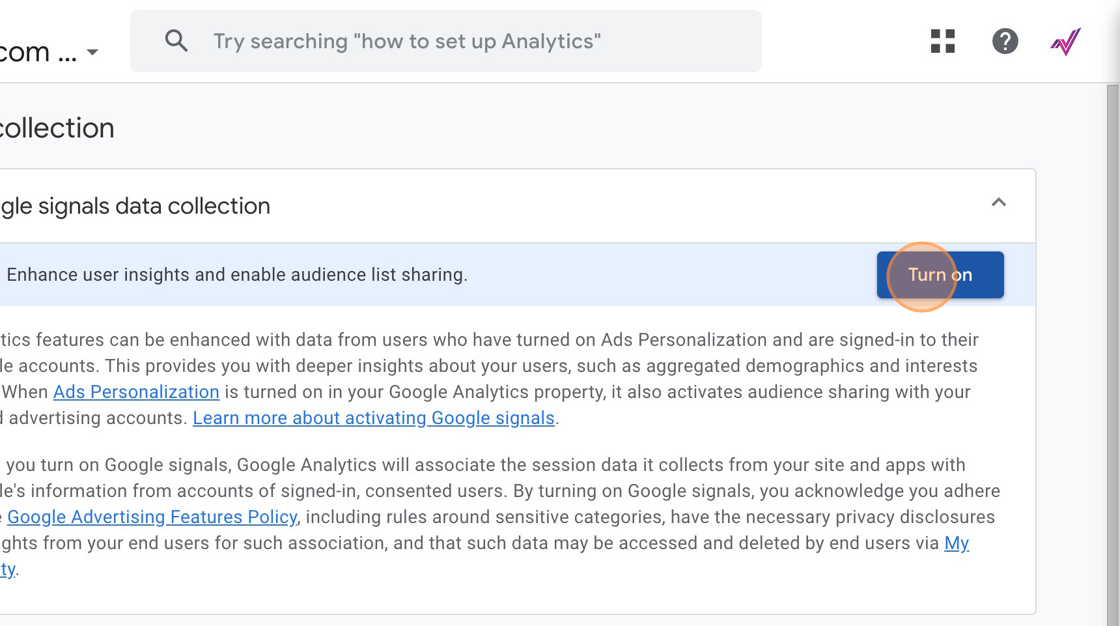
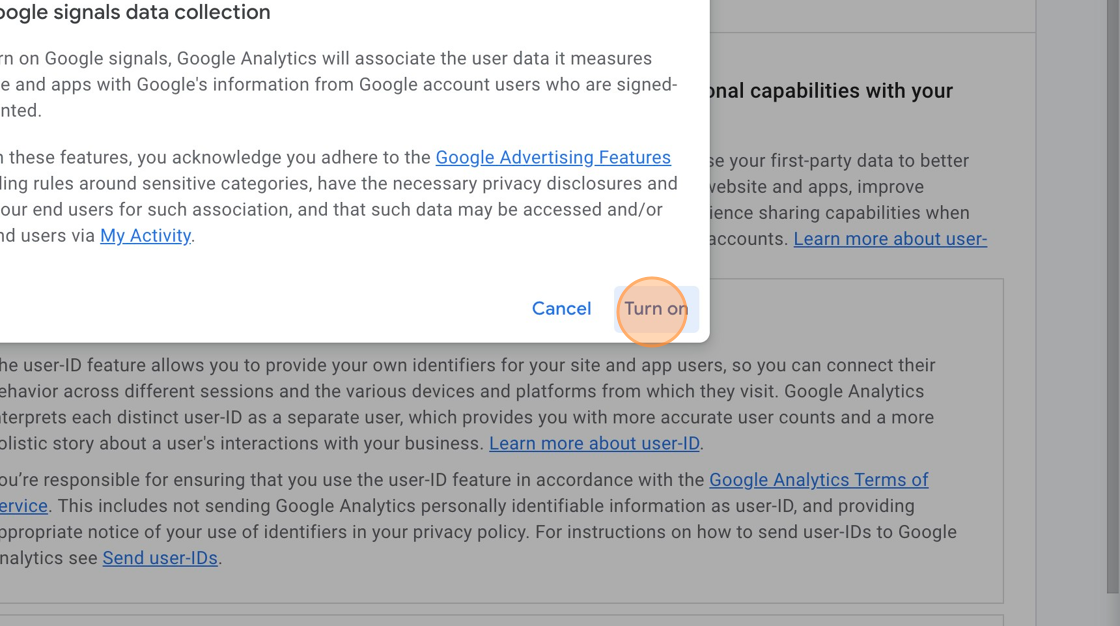
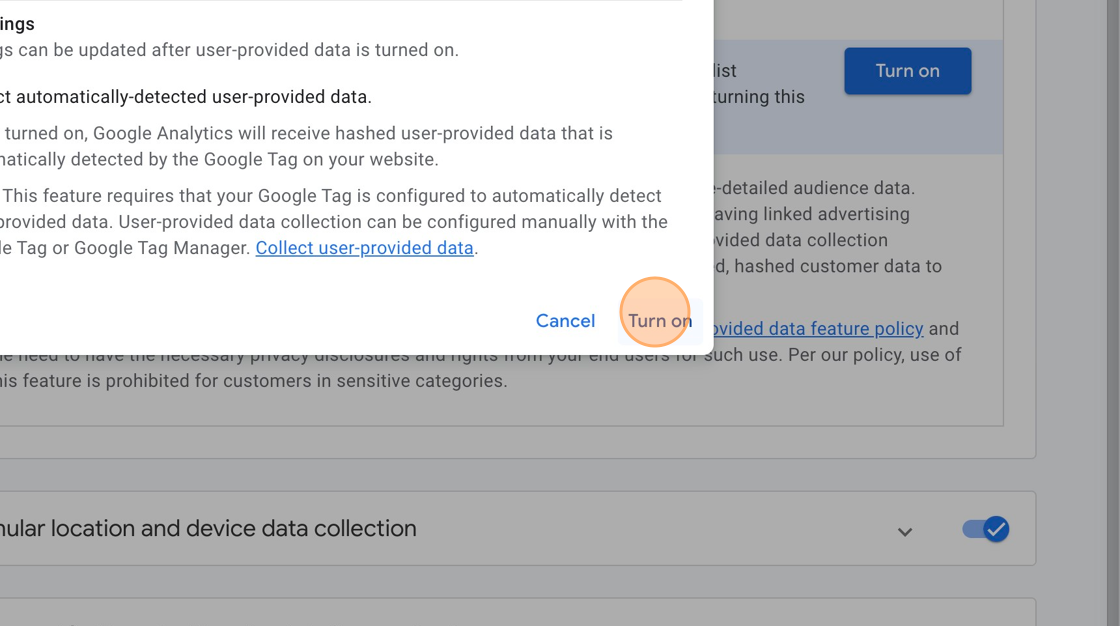
4. Click “Turn on”

ascreenshot 31e85e16 f5e2 478c a734 00daf4272fb2

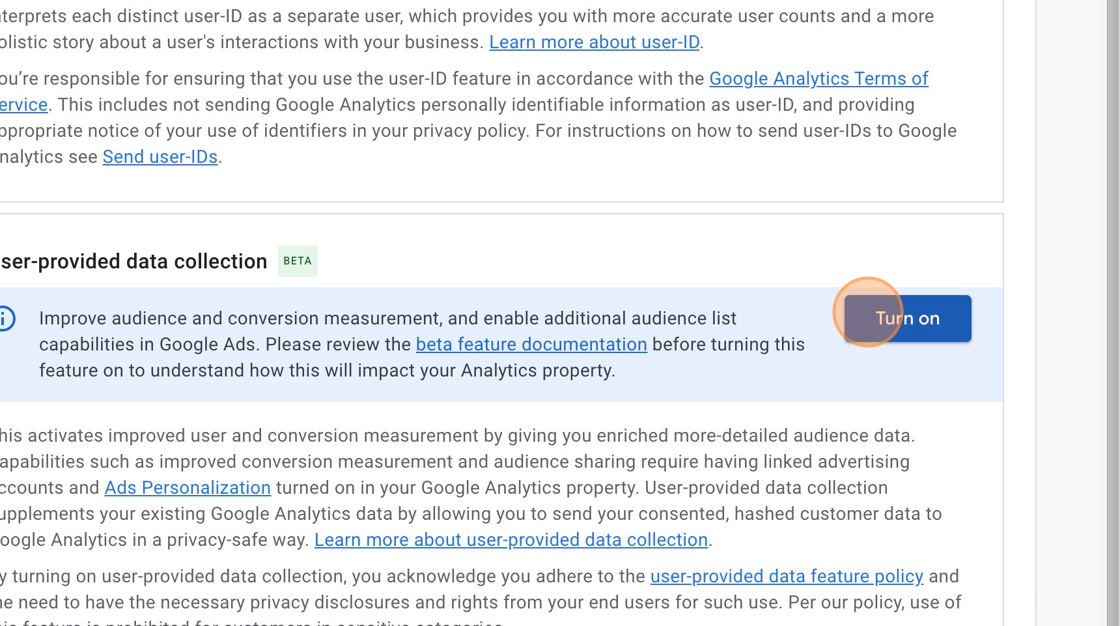
5. Click “Turn on”

ascreenshot 730377ce 9809 4274 af43 2a96a18c4529

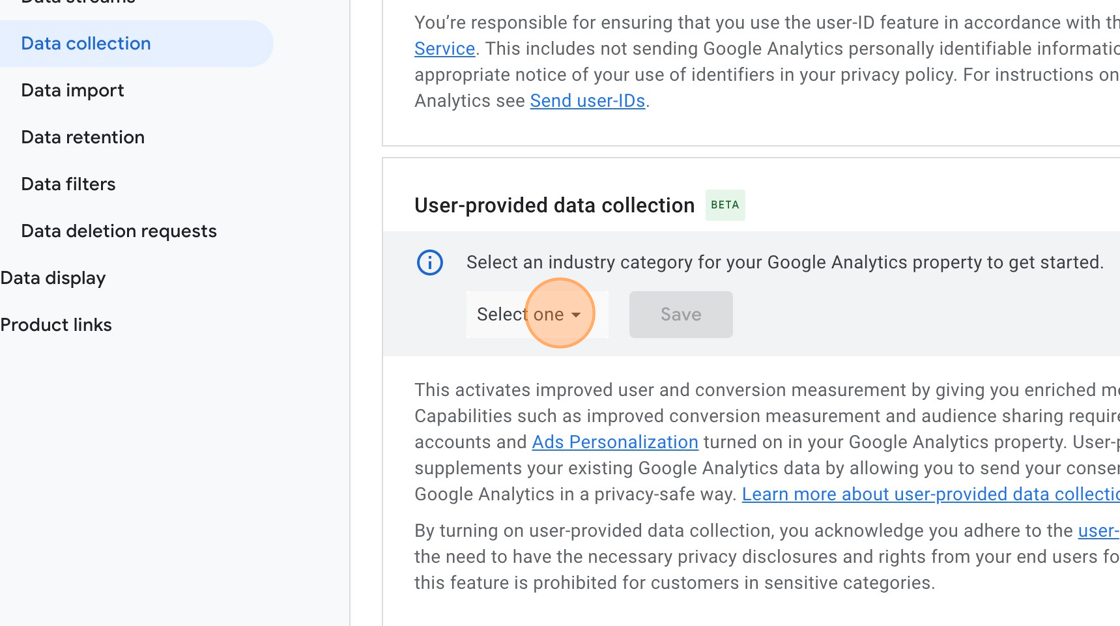
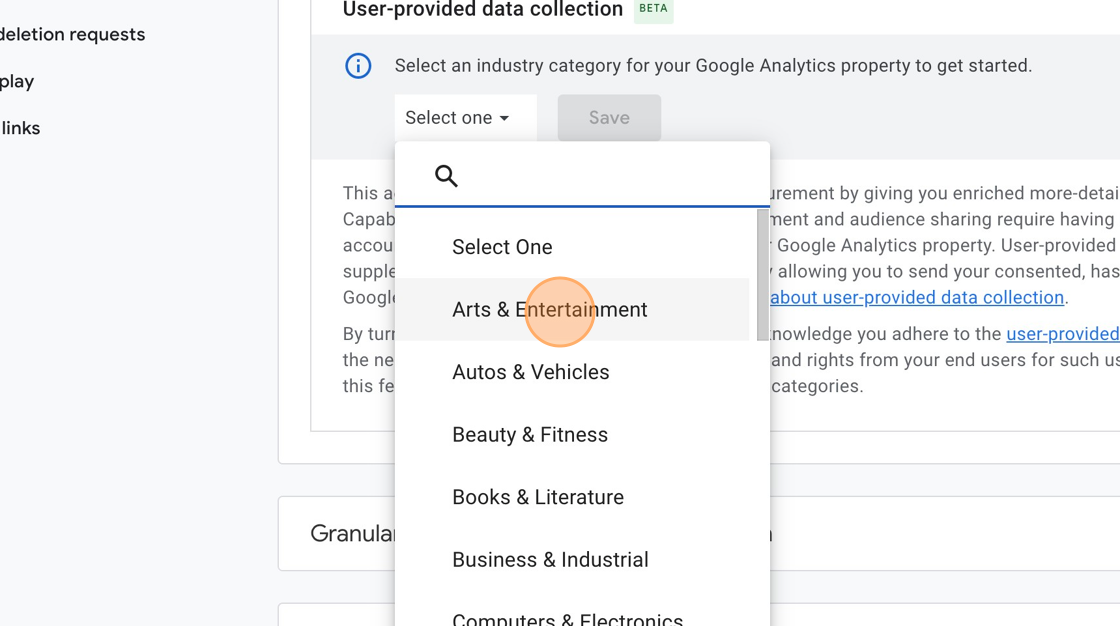
6. Click “Select one”

ascreenshot 8aab9421 9dc0 4c27 b289 edbe1ac96b8c

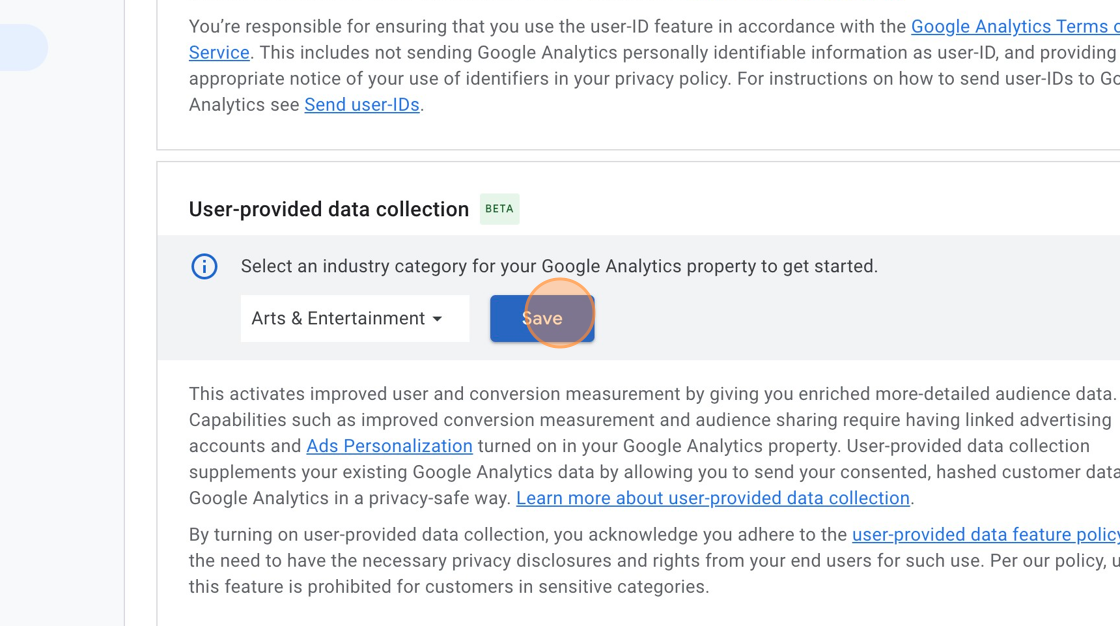
7. Click on the Category the website fits into , in this case it is “Arts & Entertainment”
ascreenshot c329e3a0 43d5 4370 9bfb 7b331d16f9f5

8. Click “Save”

ascreenshot b3108804 0e5f 4c09 8599 66daa6bb5574

9. Click here.

ascreenshot 83ba0f5c b818 4dd5 8a64 2f0c6754bf33

10. Click here.

ascreenshot ad9f3039 2a52 41d4 b1b1 9f57cd8794a9

11. Click “Turn on”

ascreenshot 6feb44cd a9f1 4e68 99dc 4ca7617c67fe

12. Click “Granular location and device data collection” – You just need to make sure this is on.
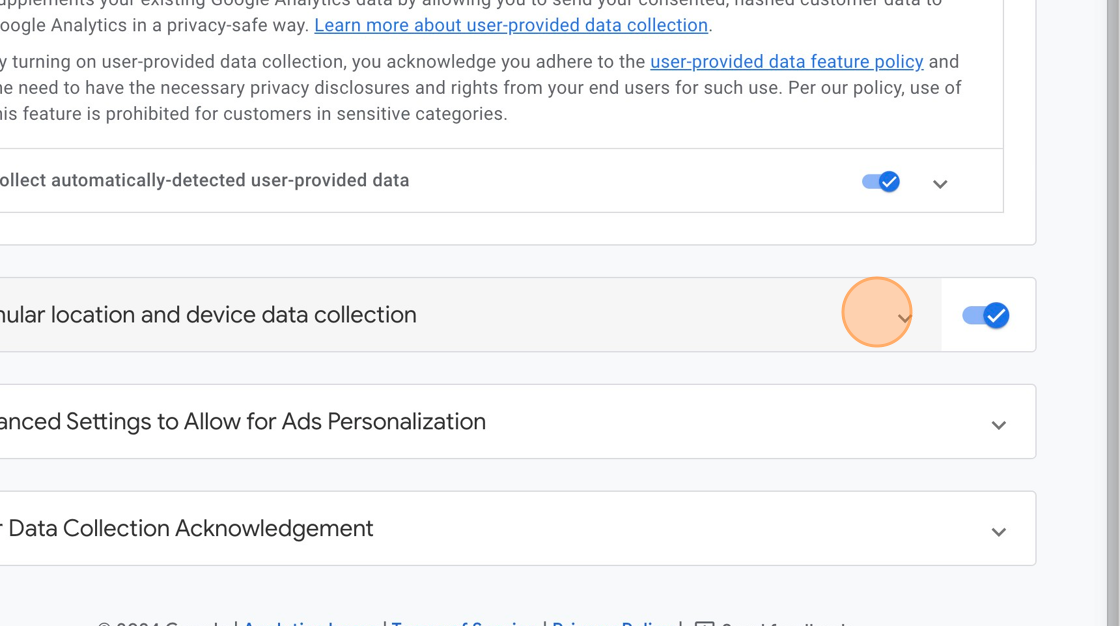
ascreenshot d5665c46 0a20 4710 b5c6 8d08980c5167

13. Click “Advanced Settings to Allow for Ads Personalization” – Verify nothing needs to be enabled.
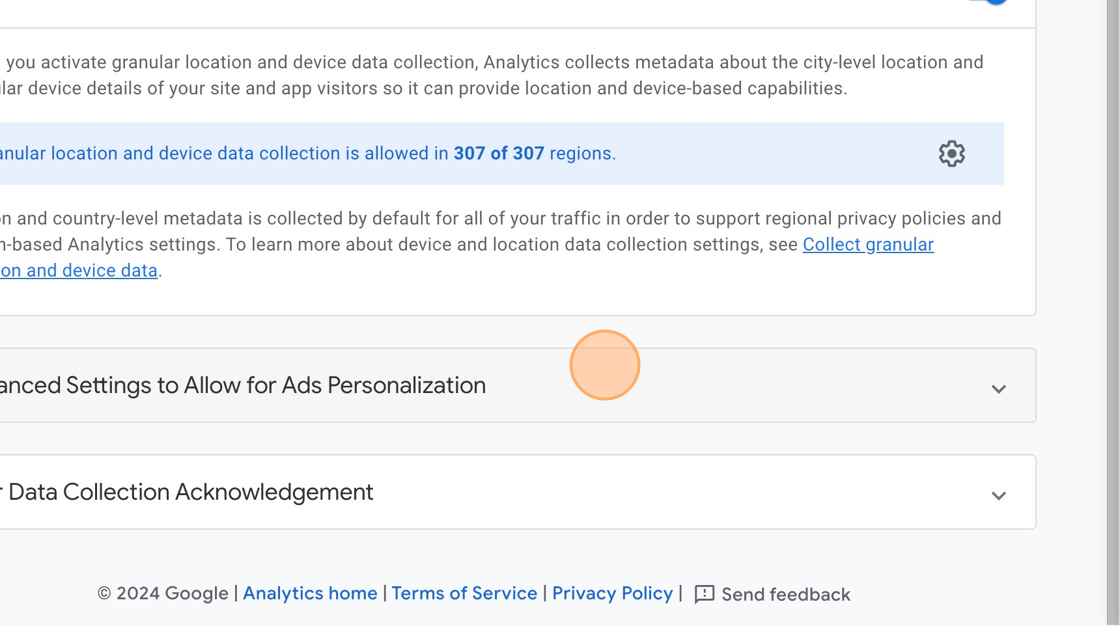
ascreenshot 27c34bdc 47d5 4527 b84b 32790fc20fa7

14. Click Settings to check What GEOs are included.
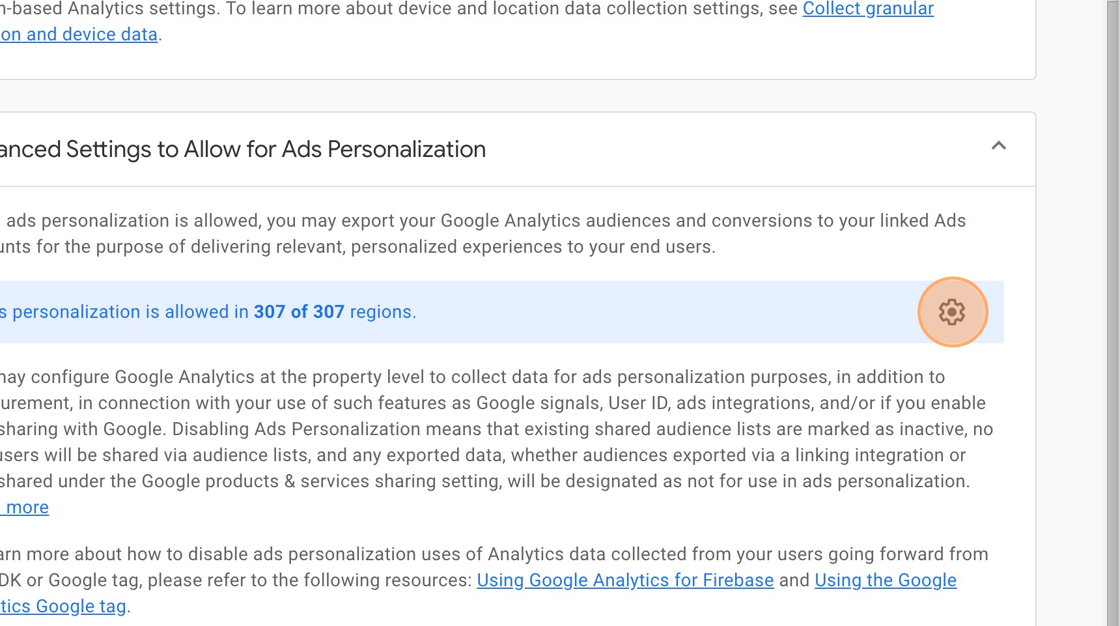
ascreenshot ec846640 f613 4e18 befd 92921671d407

15. Choose all available GEOs you wish to track, and if they are already selected Click here to close.
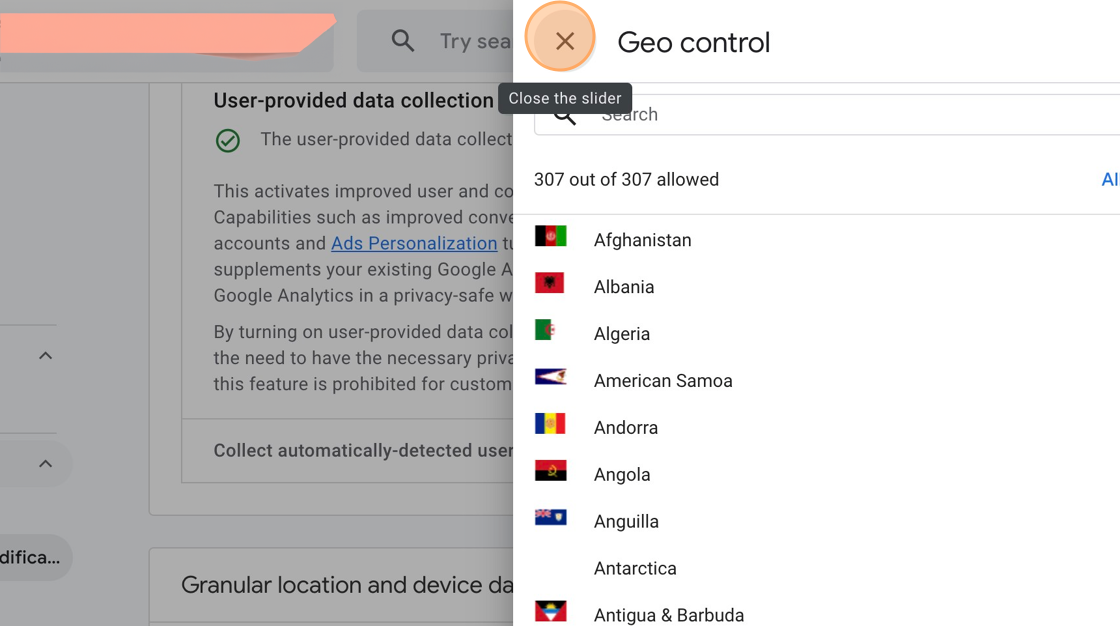
GEO Listing without Client URL

16. Click “User Data Collection Acknowledgement”
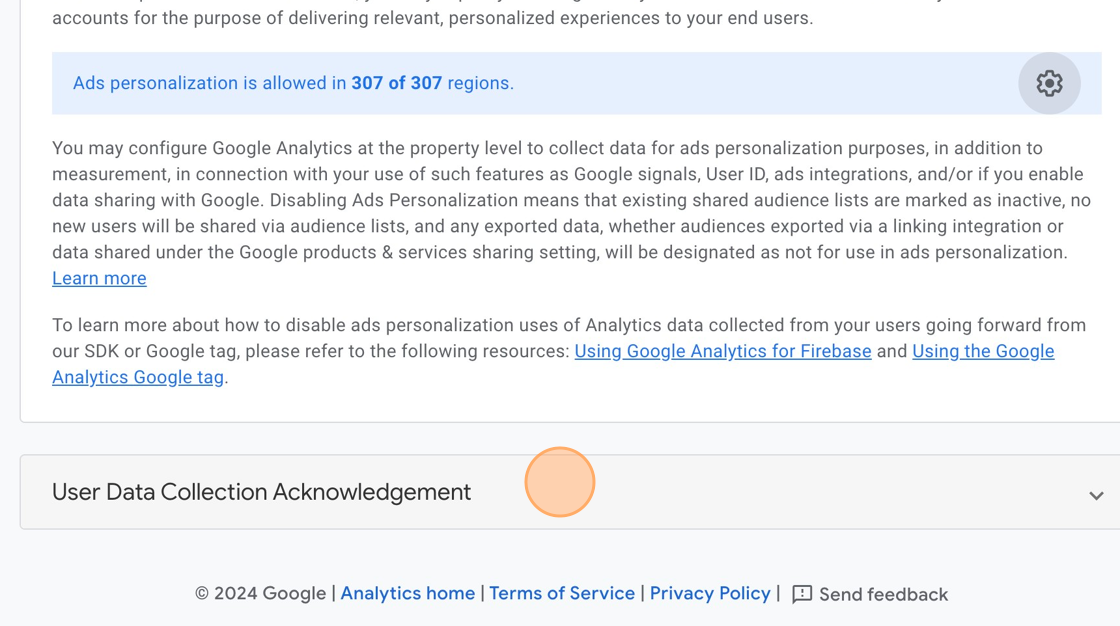
ascreenshot 915914c4 0b70 4325 9783 cdb90f35d485

17. Click “I acknowledge” – this finalizes your Opt-in to the colleciton of this data. Since Google manages all the Data permissions for you, they will make sure you are not collecting data from users you are not supposed to.
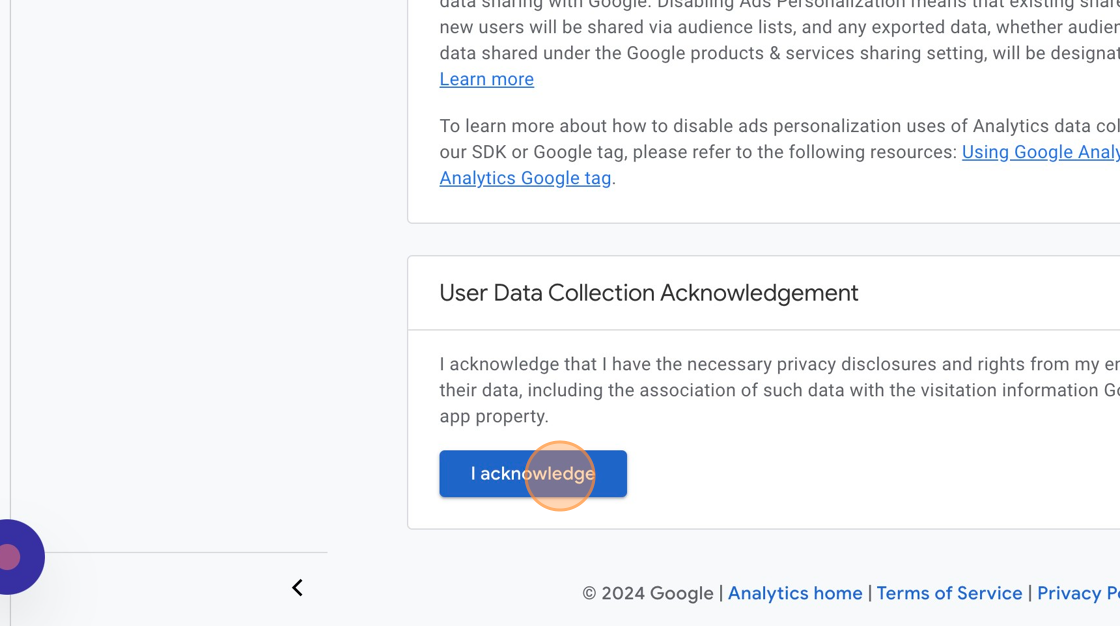
ascreenshot 9d4be2f4 af29 4b19 999d c4e5df3649f2

18. You’re done!

Related Articles

  • Advally WordPress Plugin

    What it is The Advally Advertising plugin is the official Adligature ad integration for WordPress sites. It is the WordPress counterpart to the XenForo 2 plugin that runs on Audiokarma, Audizine, and the other forum properties — same ad stack, same targeting model, same revenue protections, expressed in WordPress terms. In one sentence: it loads…

    Read More

  • Using 1Password with Advally (sharing access securely)

    We never send passwords by email, text, or chat. Advally shares logins and credentials with you — and collects the access we need to set things up — through 1Password, a secure shared vault. It works both ways and takes about five minutes to set up. 1. Accept your invitation You’ll get an email invite…

    Read More

  • Advally XenForo 2 Plugin: Beta Feedback Widget

    The Beta Feedback Widget is a floating feedback button built into the Advally XenForo plugin for Advally WebOps publishers only. It allows trusted forum users (typically admins and moderators) to submit feedback about the plugin directly from the live forum, creating a ticket in the Advally WebOps support queue. The widget only appears on sites…

    Read More