
The world of advertising is constantly evolving, and Google is rolling out significant updates to its Multiple Customer Management (MCM) program that publishers need to be aware of. These changes, designed to enhance transparency, control, and overall ecosystem health, will impact how many publishers operate under MCM partnerships.
If you’re currently working with an MCM partner (like Advally!) or considering one, it’s crucial to understand these new requirements and their implications. Let’s dive into the details, including key launch dates and what steps you need to take.
The Core Shift: Every Publisher Needs Their Own GAM Account
Perhaps the most impactful change is Google’s new directive that every publisher must have their own active Google Ad Manager (GAM) account to accept an MCM invitation. This is a departure from previous models where some publishers might have operated solely within a partner’s network without a standalone GAM instance.
Why the change? Google states this move is all about providing publishers with more transparency and direct control over their inventory. Having your own GAM account gives you a clearer view of your ad stack, reporting, and policy compliance, even when working with a managing partner. It also helps prevent potential issues related to account ownership and data visibility.
Launch Dates of This Change
This update is now in full effect, and adherence is mandatory. Google rolled it out in 2024:
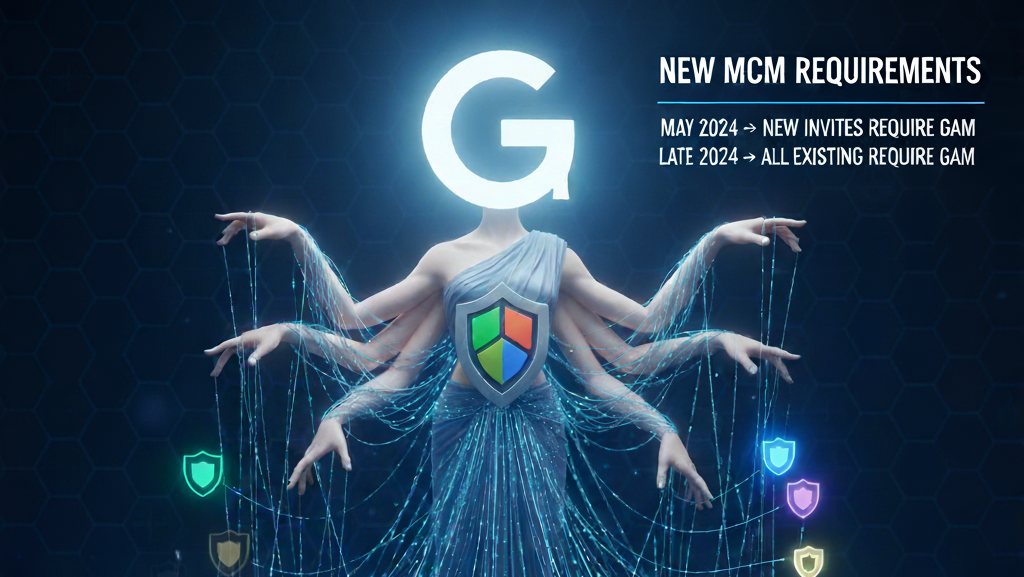
- May 2024: This is when Google began enforcing the new requirement. All new MCM invitations now necessitate the child publisher to have an existing, active GAM account (or an AdSense/AdMob account that can be upgraded to GAM).
- Late 2024: Google began requiring all existing child publishers under MCM to have their own GAM accounts. Publishers who do not meet this requirement risk being removed from MCM parent networks.
You can always refer to Google’s official documentation for the most up-to-date timelines and details: About the Multiple Customer Management program
What This Means for You: Actionable Steps
Here’s a breakdown of what publishers need to do to comply with these new requirements:
- If you already have a Google Ad Manager (GAM) account:
- Ensure it’s active and in good standing. If you’ve been using it, great! If it’s dormant, make sure it’s accessible and compliant with Google’s policies.
- Provide the correct GAM Admin email to your MCM partner. When accepting an MCM invitation, the email associated with your GAM account must be the one that receives and accepts the invite. Your MCM partner will send the invitation to this specific email. You can learn more about user management in GAM in the Add and edit users page of help.
- If you have an AdSense or AdMob account, but no GAM account:
- Google now allows AdSense and AdMob publishers to easily upgrade to a GAM account. When your MCM partner sends an invitation to the email associated with your AdSense or AdMob account, Google will guide you through the process of creating or activating a linked GAM account.
- Ensure the email you provide to your MCM partner has Admin access to your existing AdSense or AdMob account. You can find more details on linking accounts on Get started for child publishers.
- If you have no existing Google Publisher accounts (GAM, AdSense, or AdMob):
- This is still straightforward! Your MCM partner will send the invitation to the Google email address you provide. This process will guide you through setting up a new GAM account, which will then accept the MCM invitation.
Why This is a Good Thing
While new requirements and extra steps are frustrating, these changes are ultimately beneficial for publishers. They bring:
- Increased Transparency: A dedicated GAM account means you have direct access to your network settings, reporting, and policy center.
- Enhanced Control: You’ll have more granular control over your ad inventory and how it’s managed, even with a partner.
- Improved Compliance: By having a direct relationship with GAM, you’re better positioned to ensure your sites and apps adhere to Google’s publisher policies. This minimizes risks and helps maintain a healthy monetization ecosystem. You can always review Google Publisher Policies for changes.
Preparing for the Future
The shift to mandatory GAM accounts for all MCM child publishers is a significant move by Google to streamline the ad tech landscape and empower publishers. Work closely with your MCM partner (or reach out to Advally if you’re looking for one!) to ensure your account is properly set up and ready to continue thriving in this evolving environment.
Have questions about these changes or need help setting up your GAM account for MCM? Contact our team today!