
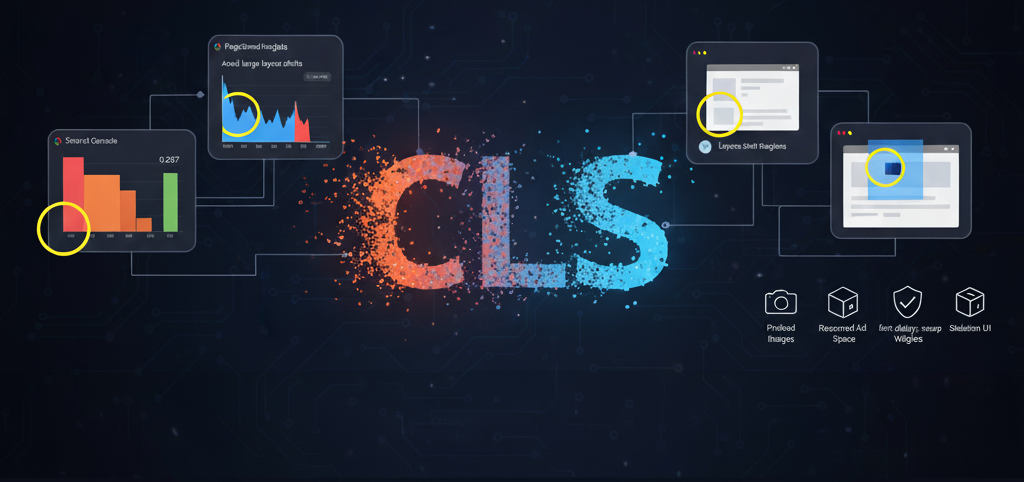
Help Tame the Jumpy Web and make more money
Imagine reading an article online, just about to click a link, when suddenly the entire page shifts, and you click on something entirely different. Frustrating, right? This “jumpiness” is what Cumulative Layout Shift (CLS) measures, and it’s a critical component of Google’s Core Web Vitals. A high CLS score indicates a poor user experience, leading to accidental clicks, lost focus, and ultimately, user abandonment. Google now prioritizes your competitors over you if they do not have CLS errors.
While layout shifts can sometimes feel like an inherent part of a dynamic web, especially for ad-supported publishers, the reality is that the vast majority of CLS issues are entirely preventable and often stem from easily rectifiable implementation choices, rather than the mere presence of elements like advertisements. This post will guide you through understanding, diagnosing, and correcting CLS issues, ensuring your site offers a stable and delightful experience for every visitor.
Understanding CLS: Why Stability Matters
CLS quantifies the unexpected shifting of visual content on a web page. It’s calculated by multiplying the impact fraction (how much of the viewport shifts) by the distance fraction (how far the affected elements move). A lower CLS score (ideally 0.1 or less) means your page is stable and predictable, allowing users to interact confidently without content unexpectedly moving beneath their fingers or mouse.
The Diagnostic Toolkit: Pinpointing Layout Shifts
Just like with INP, you have powerful tools to uncover CLS culprits.
1. Google Search Console
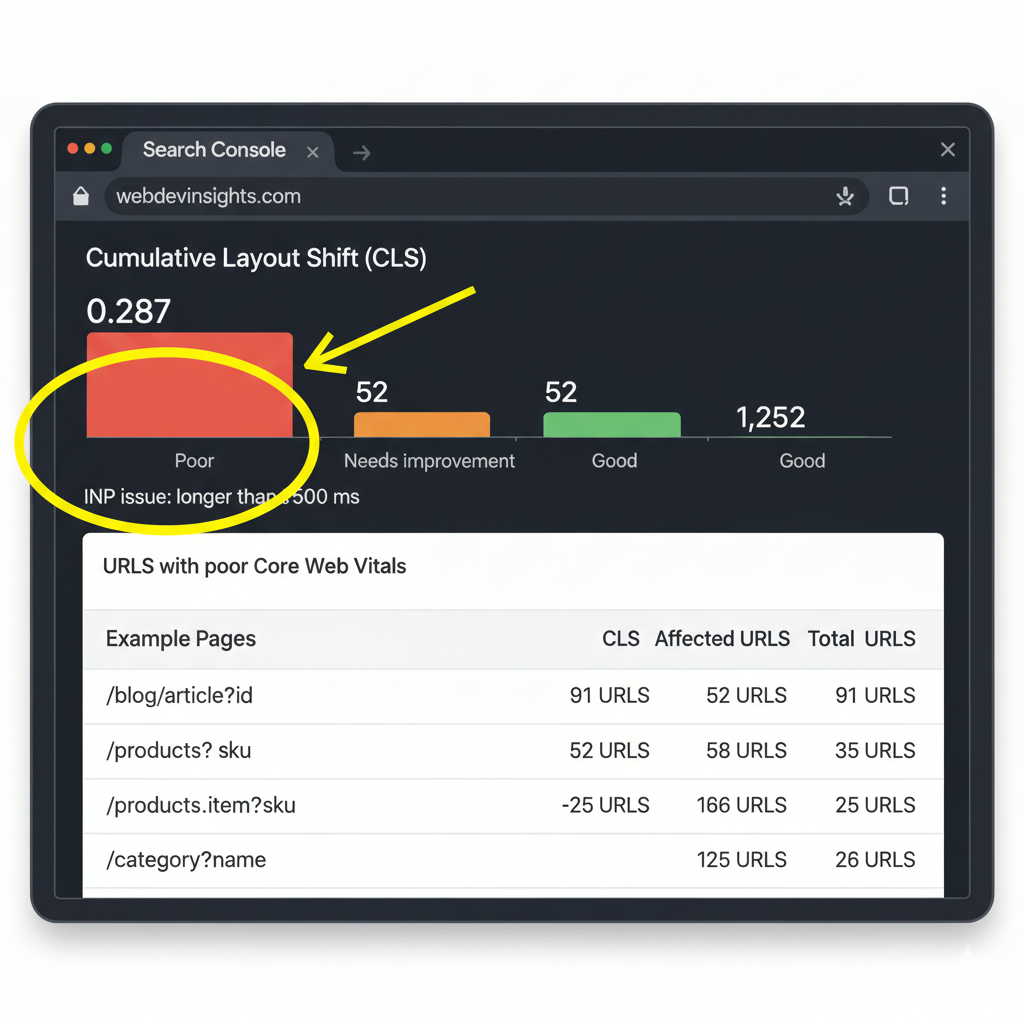
Start with Google Search Console’s “Core Web Vitals” report. It will highlight specific URLs with “Poor” or “Needs Improvement” CLS scores, giving you a clear starting point for investigation.
2. PageSpeed Insights
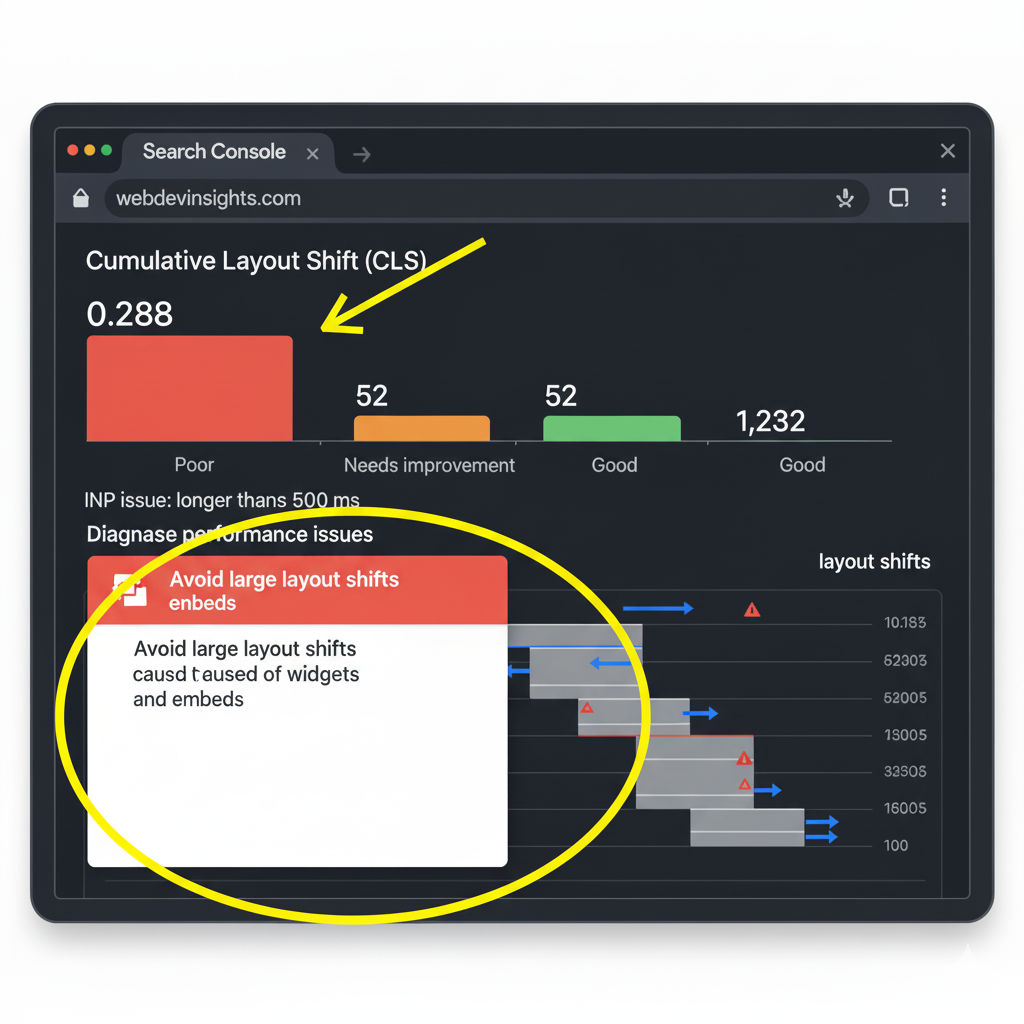
For granular detail on specific URLs, use PageSpeed Insights. It offers field data (real user experience) and lab data (simulated performance), with a dedicated section for “Avoid enormous network payloads” and “Ensure text remains visible during webfont load” that often reveal CLS issues. Look for “Avoid large layout shifts” recommendations.
3. Chrome DevTools (Performance & Layout Shift Regions)
For the deepest real-time analysis, Chrome DevTools is invaluable.
- Open your problematic page in Chrome DevTools (
Ctrl+Shift+I/Cmd+Option+I). - Go to the “Performance” tab.
- Click the record button and interact with your page, particularly watching for content loading or changes.
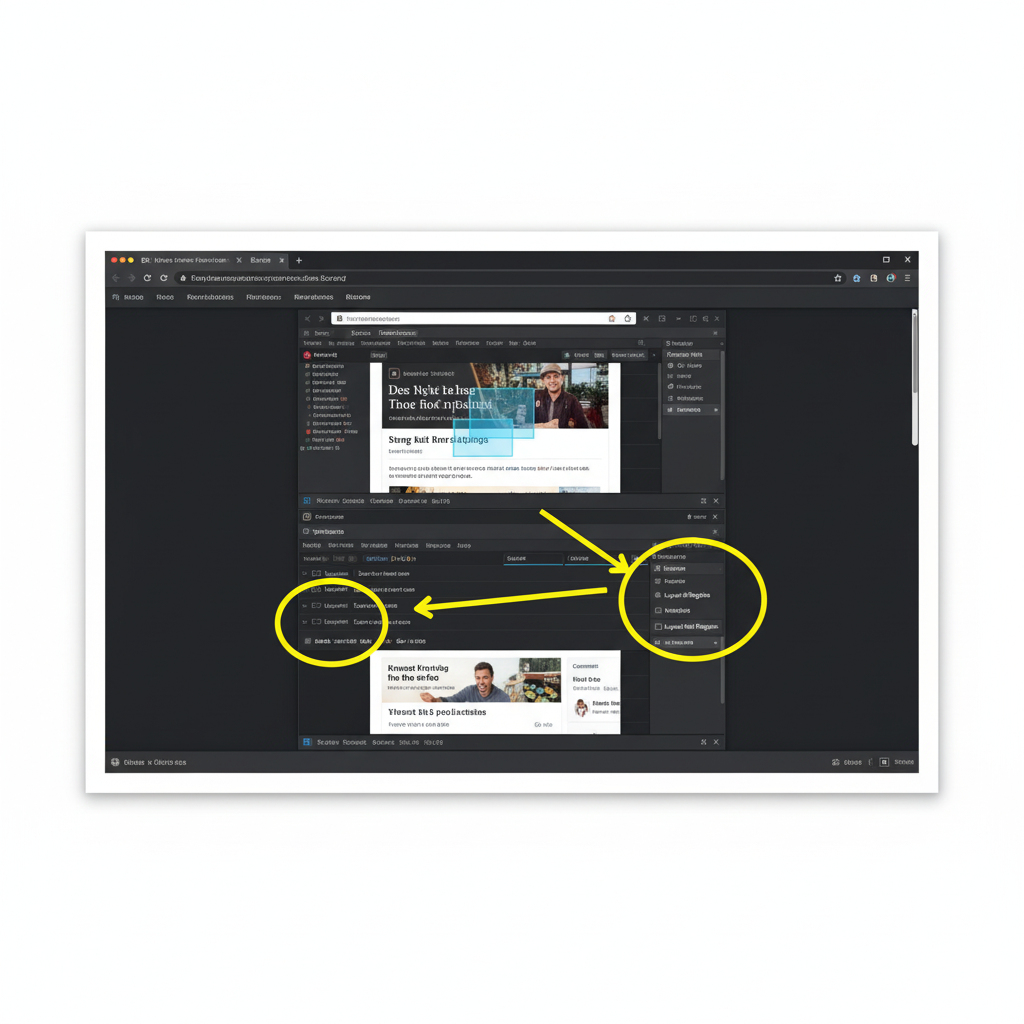
- After stopping the recording, in the “Experience” section, you’ll see “Layout Shift” entries.
- Crucially, enable “Layout Shift Regions” in the “Rendering” tab of DevTools. This will highlight areas on your page that are shifting with a blue box as you navigate or reload the page, making it incredibly easy to visualize the problem.
Common CLS Culprits & How to Fix Them
While the presence of dynamic content (like ads) is often incorrectly blamed, the real issue almost always lies in how that content is integrated. Here are the primary causes of CLS and their straightforward solutions:
1. Images and Videos Without Dimensions
This is perhaps the most common and easiest-to-fix CLS issue.
- Problem: When images or videos load without explicit
widthandheightattributes (or equivalent CSS aspect ratio properties), the browser doesn’t know how much space to reserve for them. When the media eventually loads, it pushes down surrounding content. - Solution:
- Always specify dimensions: Add
widthandheightattributes to your<img>and<video>tags.CSS aspect-ratio property: For responsive images, use the CSSaspect-ratioproperty. This is a modern and powerful way to reserve space while maintaining responsiveness.
- Always specify dimensions: Add
img {
  aspect-ratio: 16 / 9; /* For a 16:9 image */
  width: 100%;
  height: auto;
}- Box-sizing and padding-top hacks: (For older browsers/legacy support) Use the
padding-tophack within anaspect-ratiocontainer to reserve space.
2. Ads, Embeds, and Iframes Without Reserved Space
This is where the “blame ads” narrative often goes wrong. Ads aren’t inherently bad for CLS; unoptimized ad placement is. The same applies to social media embeds (Twitter, Instagram, Facebook posts), maps, and other third-party iframes.
- Problem: Similar to images, if you don’t reserve space for dynamically loaded ads, embeds, or iframes, they will cause a layout shift when they finally render. Ad networks might also return varying ad sizes, exacerbating the problem.
- Solution:
- Pre-define dimensions for ad slots: Before an ad loads, ensure its container element (e.g., a
div) has a fixed height or a minimum height that can accommodate the largest possible ad size expected for that slot. - Use
min-heightandmin-width: This allows for flexibility if ads are smaller but prevents content from jumping when a larger ad loads. - Style dynamic content containers: Apply
min-heightto containers for social embeds, video players, and other external content. - Collaborate with ad partners: Many modern ad management platforms (like Google Ad Manager) have features to help minimize CLS by providing more predictable ad sizes or supporting flexible ad slot reservation.
- Consider responsive ad unit placement: Design your ad layouts to gracefully handle different ad sizes without shifting surrounding content.
- Pre-define dimensions for ad slots: Before an ad loads, ensure its container element (e.g., a
3. Dynamically Injected Content (Banners, Pop-ups, Widgets)
Content injected after the initial page load can be a major CLS contributor if not handled carefully. This includes cookie consent banners, promotional pop-ups, signup forms, and even dynamic navigation elements.
- Problem: If a banner or pop-up appears at the top of the page without space being reserved for it, it will push down all existing content.
- Solution:
- Reserve space: For banners that always appear (e.g., cookie consent), allocate space in your CSS before they load.
- Position overlay content: For non-critical pop-ups or banners, position them as an
overlay(e.g.,position: fixedorposition: absolute) so they don’t impact the layout of the main content. - Pre-load hidden content: Load the HTML for such elements but hide them with
visibility: hiddenoropacity: 0until needed, rather than injecting them into the DOM later. - User-initiated only: For highly disruptive content, only show it in response to a direct user action.
4. Web Fonts Causing FOIT/FOUT
Flash of Invisible Text (FOIT) and Flash of Unstyled Text (FOUT) occur when custom web fonts load slowly, leading to a temporary display of either invisible text or a fallback font, which then “snaps” to the custom font.
- Problem: This “snapping” effect is a layout shift as the browser re-renders text with different font metrics.
- Solution:
font-display: swap: Usefont-display: swapin your@font-facedeclarations. This will display a fallback font immediately and swap to the custom font once it loads, reducing the “invisible text” period.- Preload fonts: Use
<link rel="preload" as="font" ...>to fetch critical web fonts earlier in the loading process. - Combine
font-display: optionalwithpreload: For less critical fonts,font-display: optionaloffers an even smoother experience, avoiding the flash if the custom font takes too long.
5. Actions Waiting for Network Responses Before DOM Updates
Sometimes, CLS happens when an action triggers a network request, and the UI isn’t updated until the response comes back, potentially causing elements to shift.
- Problem: For example, a “Load More” button might fetch new content, but the space for that content isn’t reserved, causing a shift when it finally appears.
- Solution:
- Skeleton UIs/Placeholders: Display a lightweight “skeleton” UI or placeholder elements immediately after the user interaction to reserve space and give visual feedback, preventing layout shifts when the actual content loads.
- Spinner/Loader within fixed container: If content is being loaded into a fixed container, ensure the container’s dimensions are stable and use a spinner inside it.
The Path to a Stable Web
Achieving a low CLS score is highly attainable. It requires proactive design and careful implementation, but the benefits—happier users, better engagement, and improved search rankings—are well worth the effort. Remember, the issue is rarely the presence of dynamic content like ads, but rather the failure to properly account for its space in the layout.
Google traffic almost always accounts for 80%+ of the total advertising revenue of a website. Getting your site in compliance is the single best way you can earn more money almost immediately.